

Visual Storytelling Techniques Every HR Team Should Use in Training Slides
The process of employee onboarding and training becomes overwhelming for most startup organizations. New employees receive numerous policies and processes and workflows simultaneously yet static presentation slides fail to simplify their learning experience. The main challenge for HR departments involves maintaining employee interest while maintaining their ability to remember information.
Training slides benefit from visual storytelling methods which have started to attract more interest from organizations. HR teams can create interactive and memorable onboarding experiences through the combination of design principles with motion and structured storytelling methods. The method delivers effective training results for organizations of all sizes including small teams and expanding startups that need efficient training solutions.
Visual Storytelling Provides Essential Value to Human Resources Operations
The combination of images with animations and slide design methods enables visual storytelling to direct attention and clear explanation of complex information while improving memory retention. Visual content enables faster brain processing at 60,000 times the speed of written text which makes visual explanations more effective than reading long blocks of text.
The implementation of visual storytelling brings several advantages to HR teams which include:
- The combination of visual aids makes complex procedures such as payroll setup and software operation and compliance rules easier to understand.
- The combination of interactive visual elements with motion helps employees remember important policies and deadlines and workflow information.
- The use of dynamic slides maintains employee focus during remote onboarding sessions and prevents disengagement from the training content.
Pro tip: HR teams can find working examples of visual storytelling through SlideUpLift templates which demonstrate how to apply these principles in practice. The examples show how motion effects and design organization and sequence order create more effective presentation slides.
| Technique | How to Use in HR Slides | Benefit |
| Morph Transitions | Show a process or workflow changing over time | Makes complex workflows clear and intuitive |
| Staggered Reveals | Introduce key points one at a time | Prevents cognitive overload, directs attention |
| Chart Animations | Highlight performance metrics or KPIs | Emphasizes critical data in a digestible way |
| Interactive Timelines | Map onboarding journey, training modules, or project phases | Helps employees visualize progress and milestones |
| Scenario-Based Animations | Illustrate workplace situations or company culture | Builds contextual understanding and improves decision-making |
Tip: Using ready-made HR training templates from SlideUpLift allows HR teams to implement these visual storytelling techniques without starting from scratch. These templates demonstrate practical applications of motion, sequencing, and storytelling principles in employee onboarding and training presentations.
The Implementation of These Methods During Employee Onboarding Process
1.Step-by-Step Onboarding
The onboarding process becomes simpler to understand through animated timelines which present it as a sequence of steps from orientation to tool setup and first-week tasks and team integration. The visual guide provides new employees with a clear understanding of their responsibilities.
2.Training Modules
Motion-based slides present policies and compliance training and software tutorials in an engaging manner. The staggered reveal method and animated charts enable HR teams to present information step by step which helps employees avoid feeling overwhelmed.
3.Company Culture & Values
Interactive slides and scenario-based animations present employees with examples of workplace conduct and team collaboration and corporate values. The method of visual storytelling brings company culture to life by making it an experience that employees can understand directly. HR teams can leverage ready-made templates from SlideUpLift, such as quote slides, to highlight core values or motivational messages, making onboarding sessions more memorable and relatable.
4.Performance & Feedback Training
Training slides with interactive dashboards and charts enable employees to understand performance metrics and evaluation procedures and set goals. The use of animated visuals helps employees understand KPIs and track their progress more effectively.
Startups can achieve multiple benefits through the implementation of visual storytelling in their training programs.
The use of interactive slides in training sessions maintains employee focus during both remote and in-person learning sessions.
- The combination of visual elements with motion-based storytelling enables employees to learn faster.
- The use of pre-designed templates by HR teams enables them to distribute training content across different departments at a high speed.
- All employees receive identical high-quality training because the organization implements visual standards.
Pro Tip: Begin with a few modules using SlideUpLift templates before you expand your training library through standardized content development that matches your company growth.
Best Practices for Using Motion in Training Slides
The following guidelines outline the most effective methods to integrate motion into your training slides.
- The purpose of animation should be to help explain or highlight specific information points. The presentation should avoid using too many visual effects which disrupt the main content delivery.
- The design elements should maintain uniformity through the use of matching fonts and colors and transition effects.
- The presentation of information should be divided into smaller sections to stop overwhelming the audience.
- The addition of interactive features such as quizzes and clickable slides and scenario-based activities will boost employee involvement in the training process.
Real-World Example: Implementing SlideUpLift Templates
The onboarding process of a startup company welcomes ten new employees through remote work. HR can implement Morph transitions to display product development workflow progression.
- The staggered reveal method for compliance steps enables employees to concentrate on one policy at a time.
- The presentation includes animated charts which display essential metrics including customer satisfaction ratings and internal performance indicators.
- The system includes interactive timelines which help users track project milestones and team integration progress.
- The pre-designed templates from SlideUpLift enable users to create these examples efficiently while maintaining effective storytelling methods.
Quick Takeaways
Visual storytelling methods lead to better employee engagement and improved retention rates and enhanced understanding of information.The strategic use of motion and sequencing and interactive slides enables effective training content delivery.The implementation of storytelling techniques becomes faster through the use of pre-designed templates.The most effective results for training modules emerge from continuous development based on employee feedback.
Startups can develop interactive learning experiences for employee onboarding through visual storytelling principles which enhance day-one information retention and employee understanding.






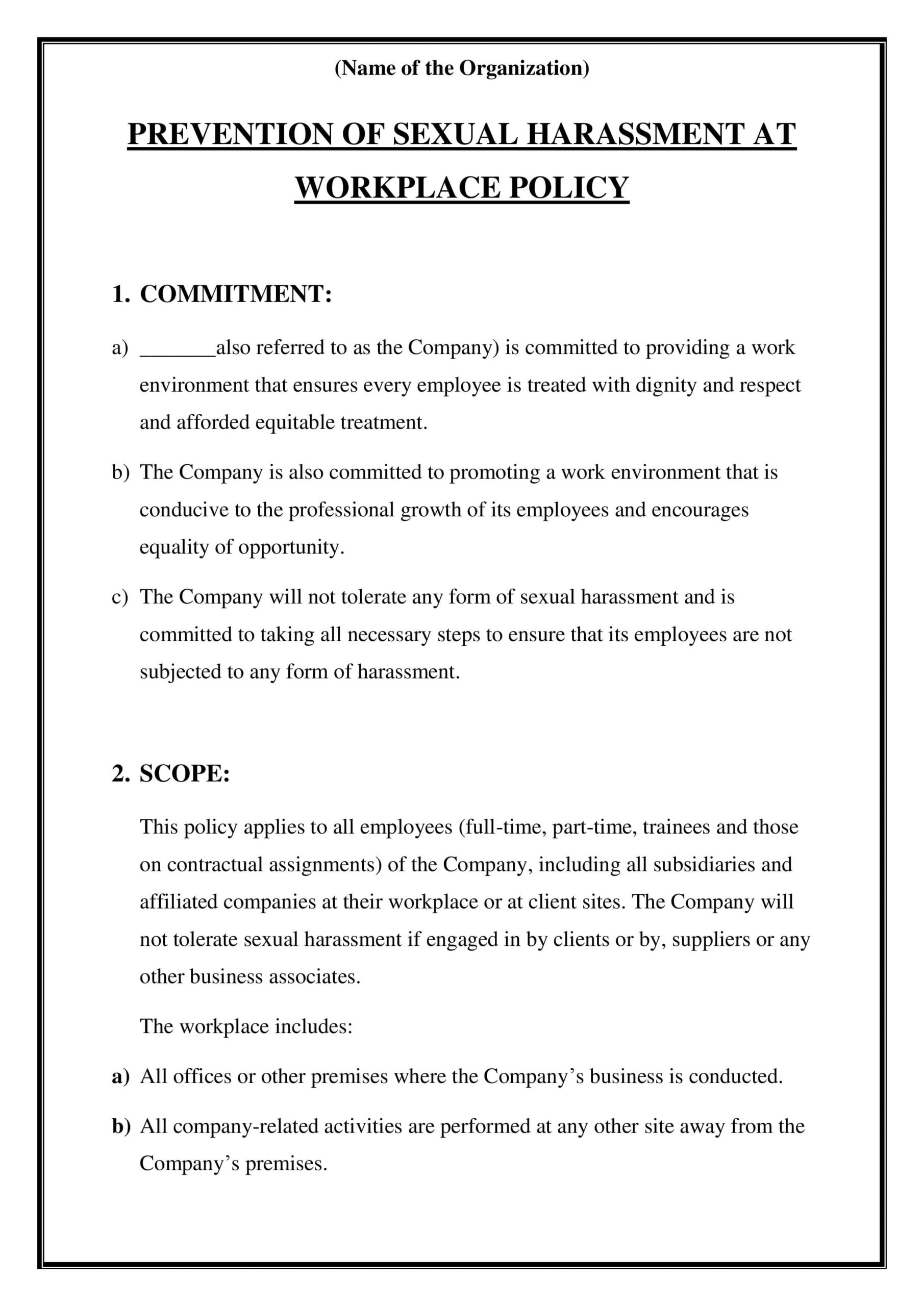
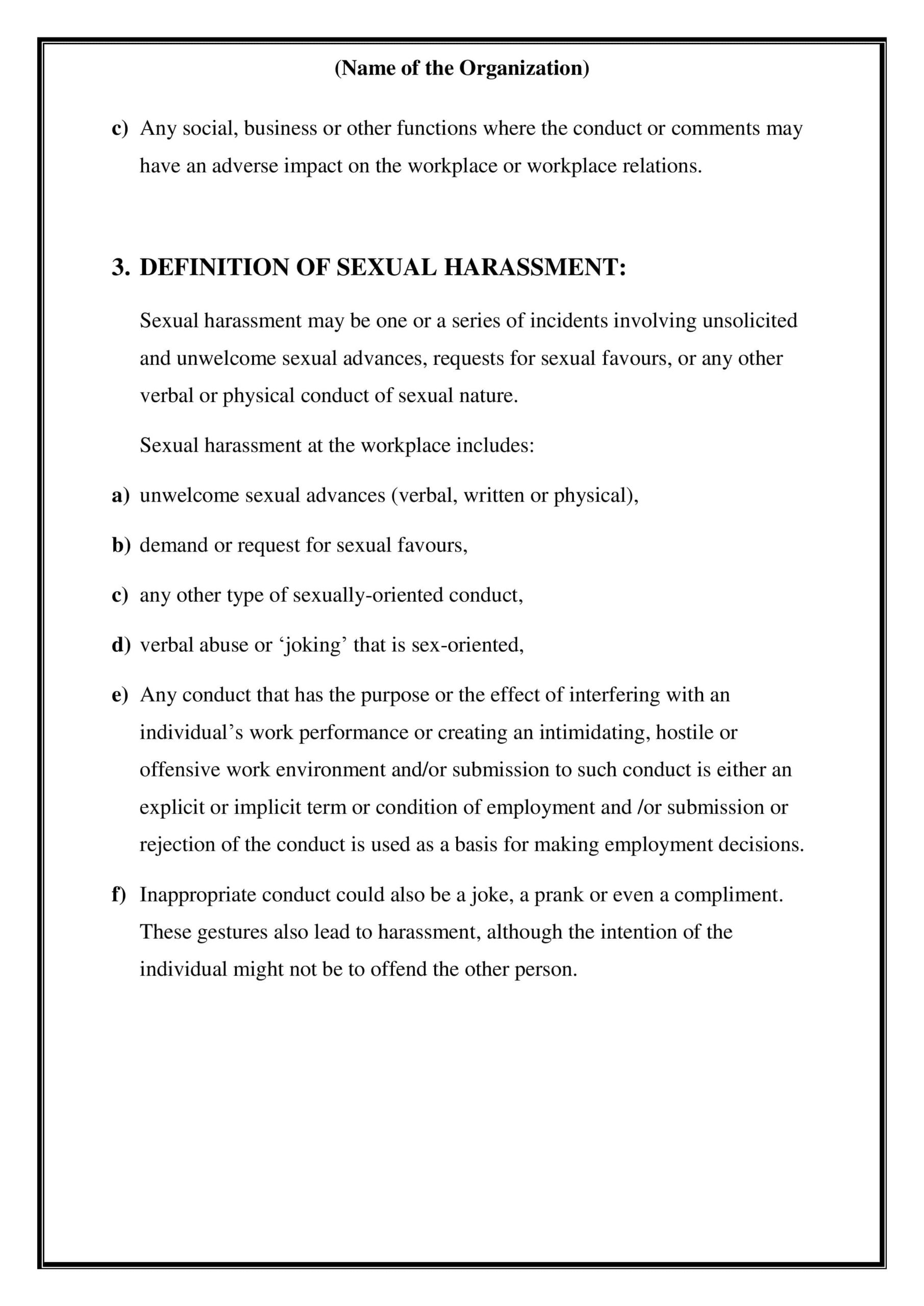
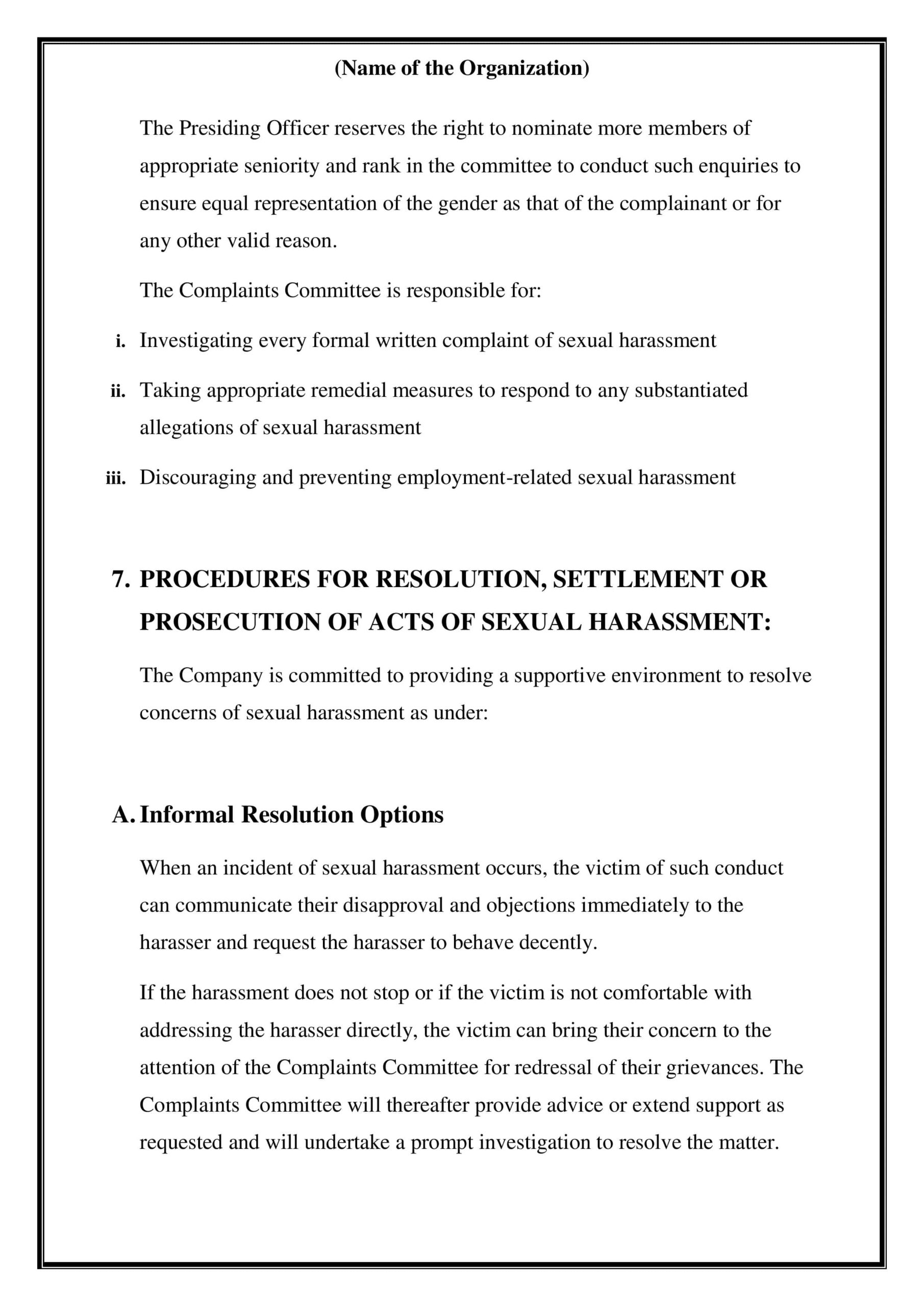
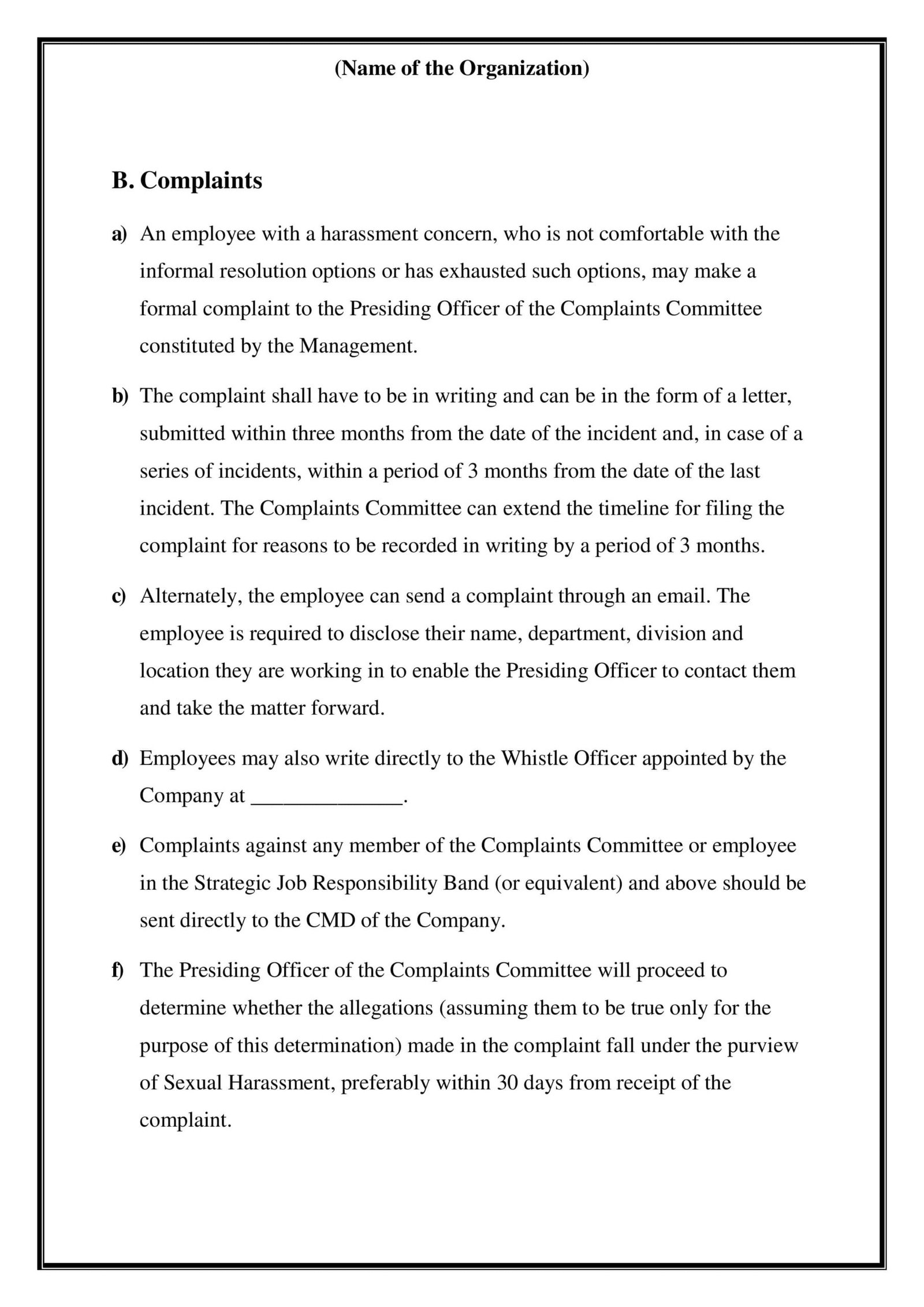
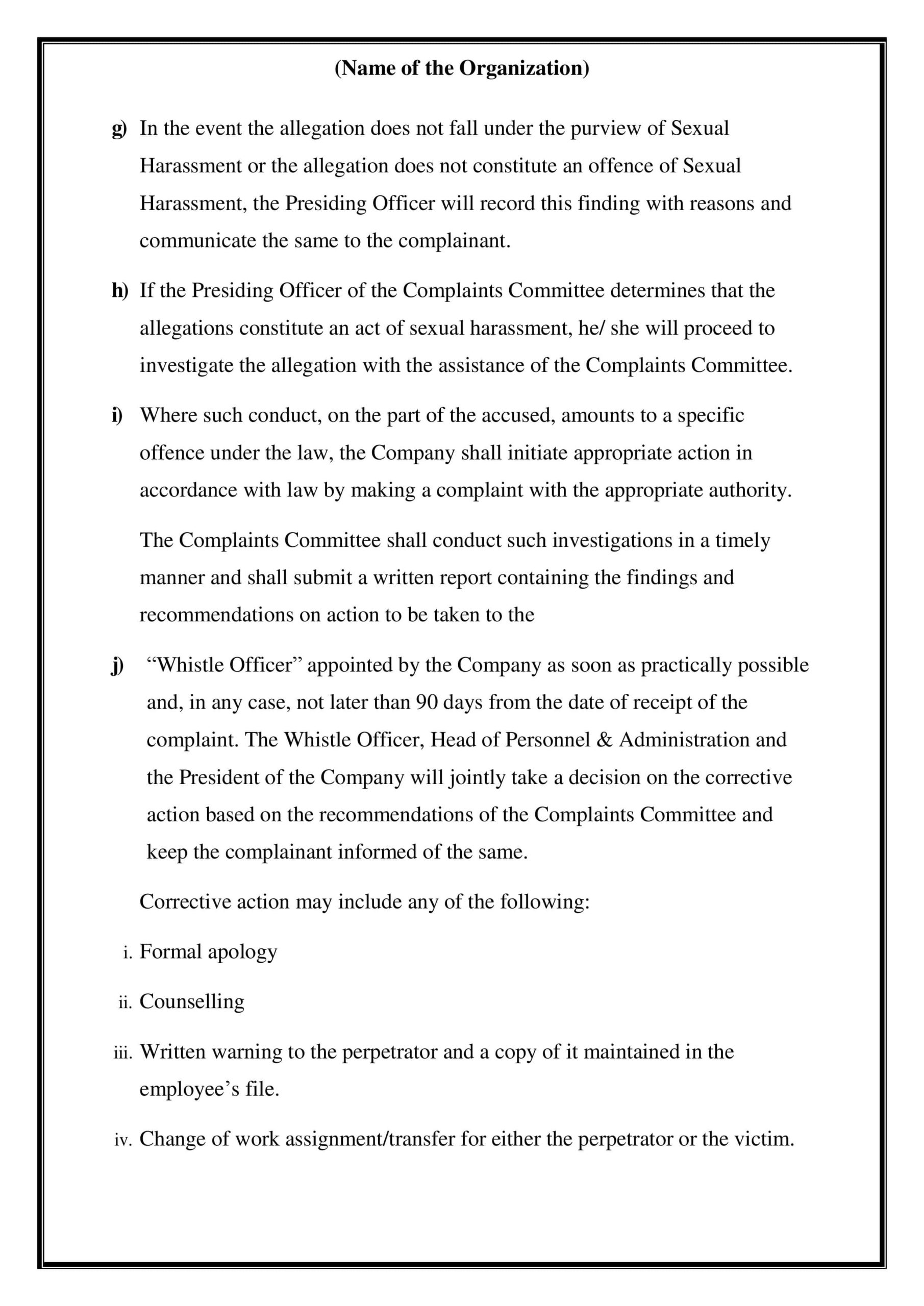
 POSH TRAINING
 Leadership Skills
 Training Budget Template








 FORM 01 – Employees’ Registration Form